APFS · HFS+ · exFAT · FAT32 · ext4 · FileVault
Open Mac drives on Android.
Plug an APFS or HFS+ drive into your phone and read it like a normal folder. No root. No Mac. No account.
- No root
- No Mac
- No ads
- No trackers
- No accounts
01 - Supported
Every format a Mac hands you.
Macs format most external drives as APFS or HFS+, while cameras, SD cards and portable SSDs use exFAT or FAT32 - and Android cannot open any of them on its own. APFS Reader fixes that with its own APFS, HFS+, exFAT, FAT32 and ext4 engines and its own USB storage stack, running entirely on your phone. It opens drives from Linux too: ext2, ext3 and ext4, LUKS-encrypted drives and LVM volumes.
- exFATRead + write · free
- FAT32Read + write · free
- APFSRead free · write unlocks
- HFS+Read free · write unlocks
- ext2/3/4Linux · read free · write unlocks
- FileVaultUnlock and read APFS inside
- LUKSOpens ext2/3/4, exFAT or FAT32 inside
- LVMLinux volumes, inside LUKS too
FreeOne-time unlock
02 - Capabilities
Built to be the drive's actual file manager.
Not a preview tool with a copy button bolted on. The things you do with a drive on a desktop, you do here.
A real file manager, not a viewer
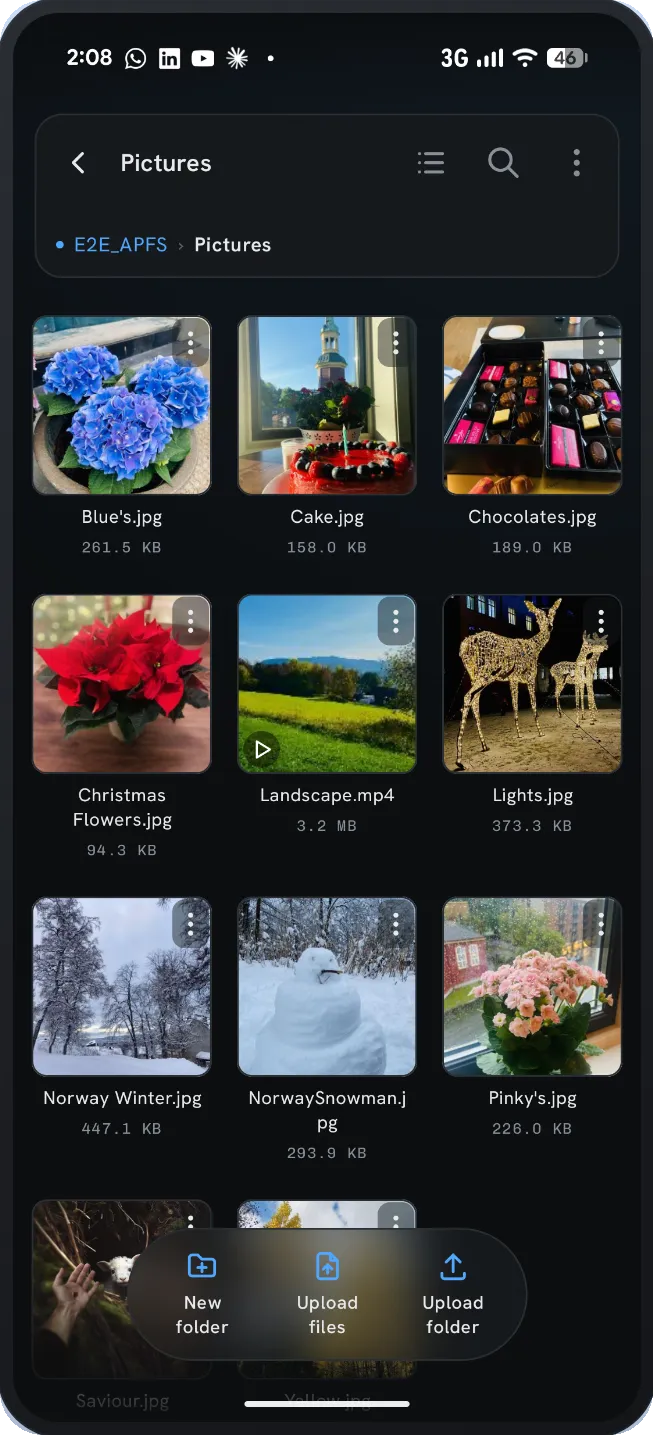
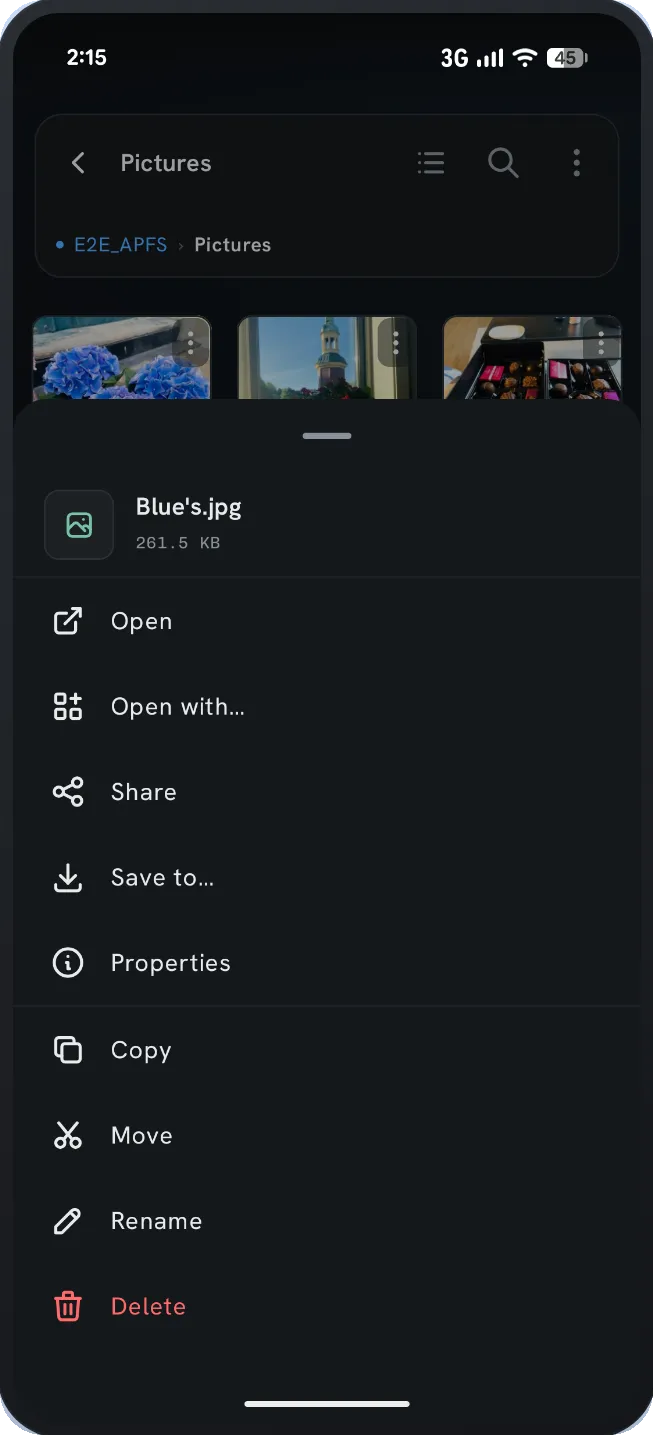
Browse, search and sort like any file explorer - grid or list, folder details, hidden-file toggle. Copy files and whole folders to your phone with live progress, transfer rate and time remaining.
Preview without copying first
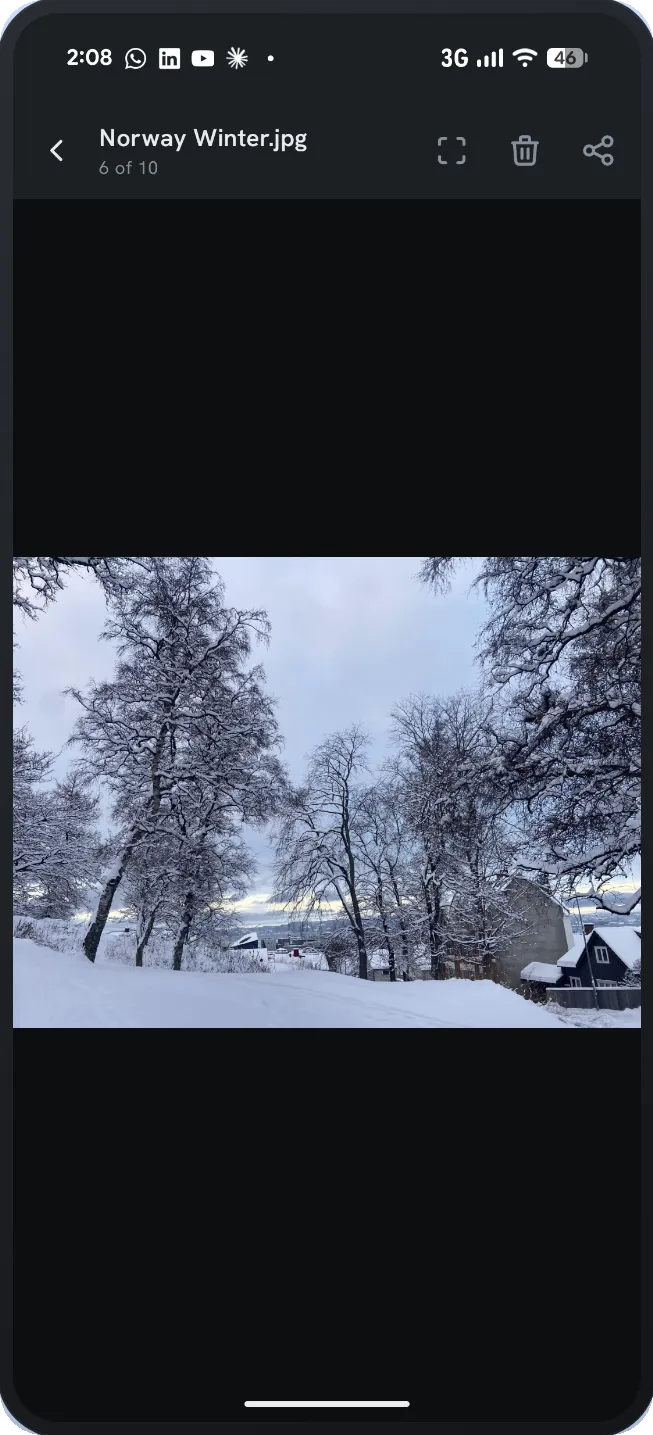
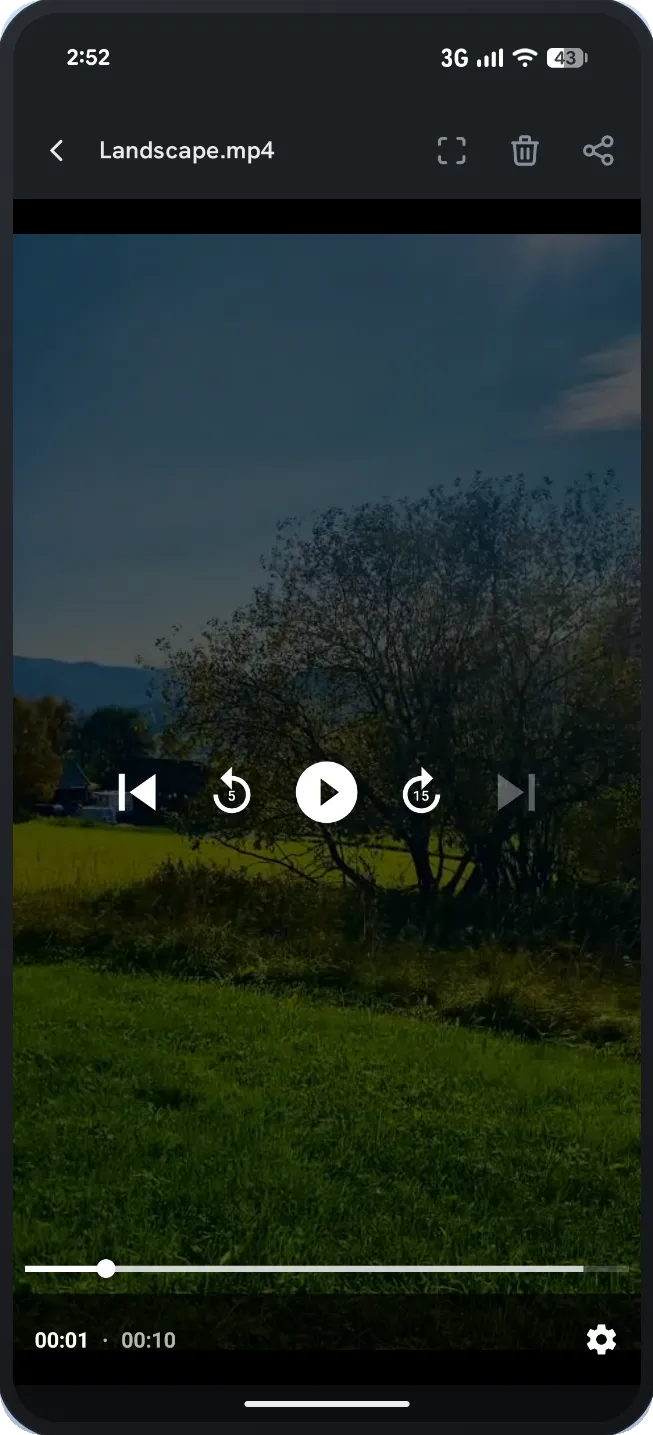
Photos, music and video play straight off the drive - no waiting for a copy to finish just to check whether it is the right file. "Open with…" and Share work on any file, directly from the drive.
Show up inside your other apps
APFS Reader registers as a storage location in Android’s file picker, so your drive appears inside Gmail, Drive, WhatsApp and anything else that attaches files. Pick a file off the drive and send it - no copy step.
Your phone’s storage too
APFS Reader manages your phone’s internal storage and built-in SD card as well, so files move between the phone and the drive in one place instead of two apps. Copy, move, rename and delete work the same as on the drive, free.
FileVault drives, without a Mac
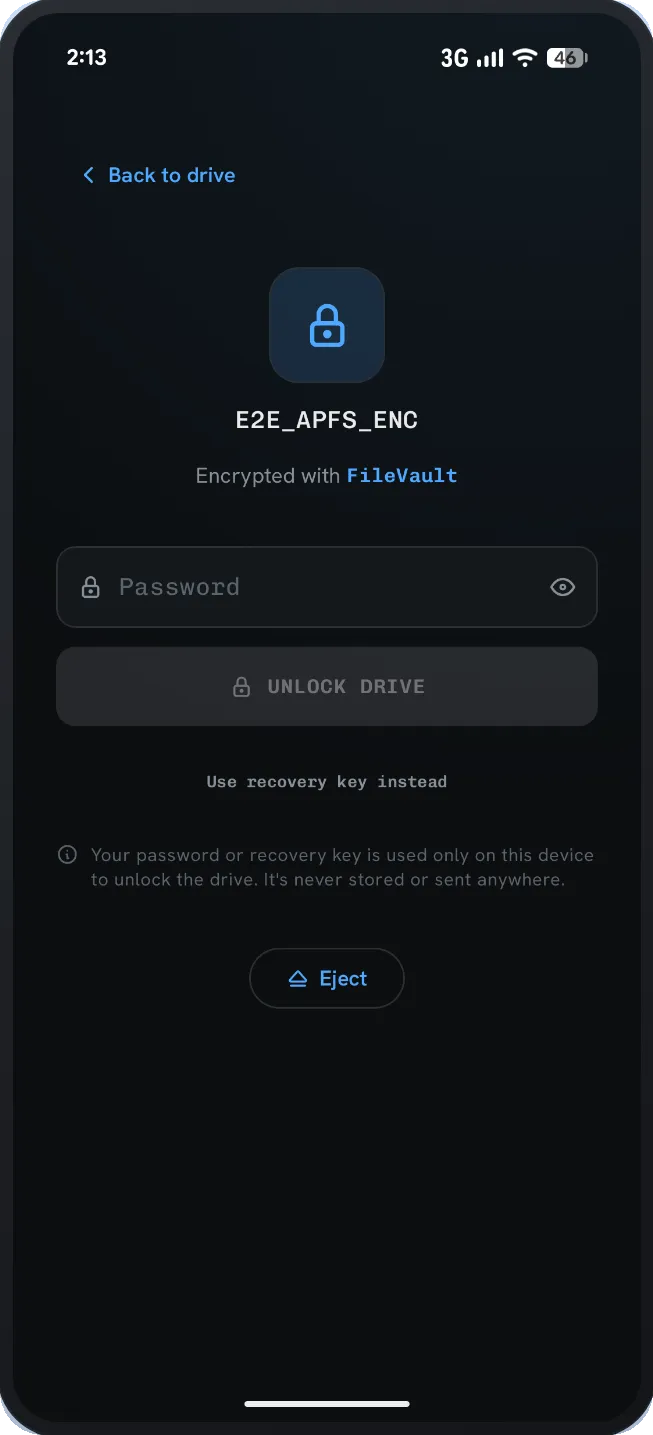
Unlock a FileVault-encrypted APFS drive with its volume password or personal recovery key and browse it like any other. Reading is free; the write unlock also lets you write back inside the encrypted volume.
Writes that survive a yanked cable
Changes are committed atomically, so a drive unplugged mid-write is not silently corrupted - the next Mac just runs its normal repair (Disk Utility, or fsck_apfs and fsck_hfs). Copies run in a non-blocking widget, so you can keep browsing while one is in flight.
Linux drives, LUKS included
ext2, ext3 and ext4 drives from a Linux PC, a Raspberry Pi or a Steam Deck (its microSD card in a USB card reader) open like any other, and reading them is free. LUKS-encrypted drives unlock with their password or key file, and LVM volumes open on their own. Writes follow Linux’s own rules, journal included, and use the same one-time unlock as APFS and HFS+.
Journaled HFS+ too
HFS+ (Mac OS Extended) volumes are handled including journaled ones, so older Mac drives and Time Machine-formatted disks open just as readily as modern APFS.
03 - The app
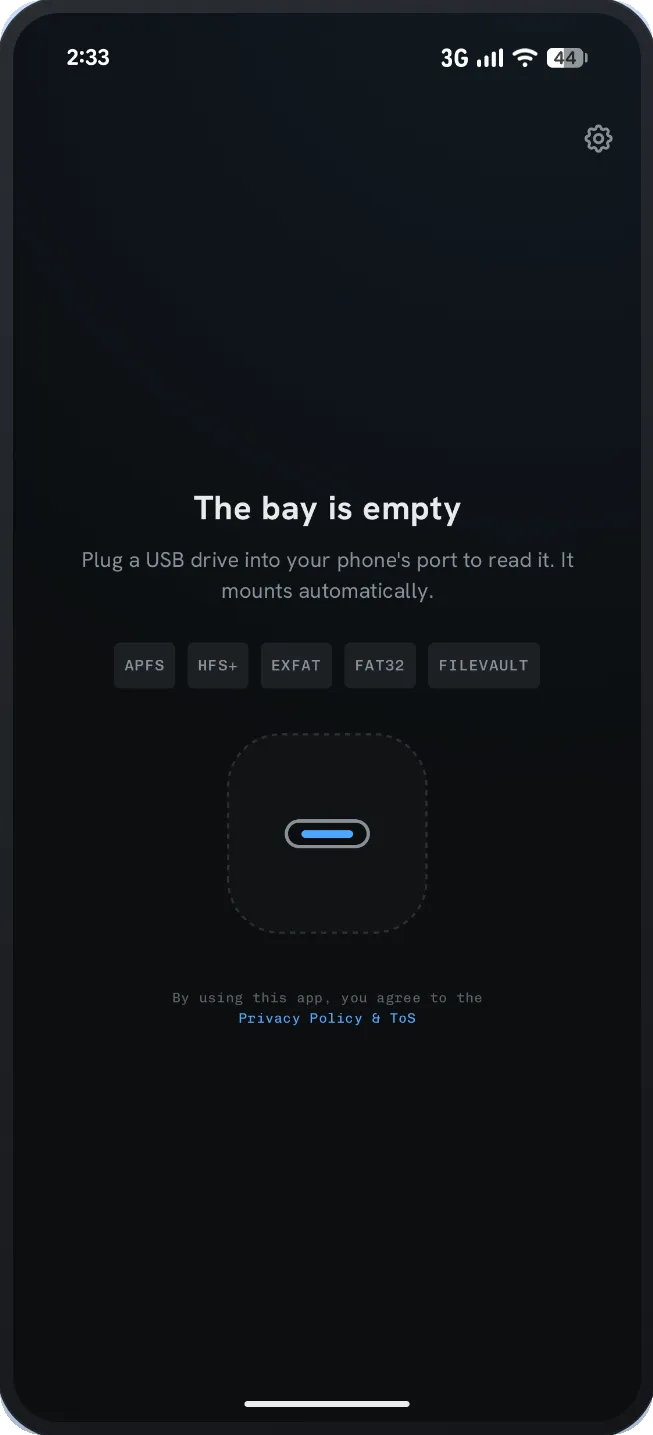
Seven screens, no mockups.
Real captures from the app running on a real device.
04 - Price
Free to install. One thing costs money.
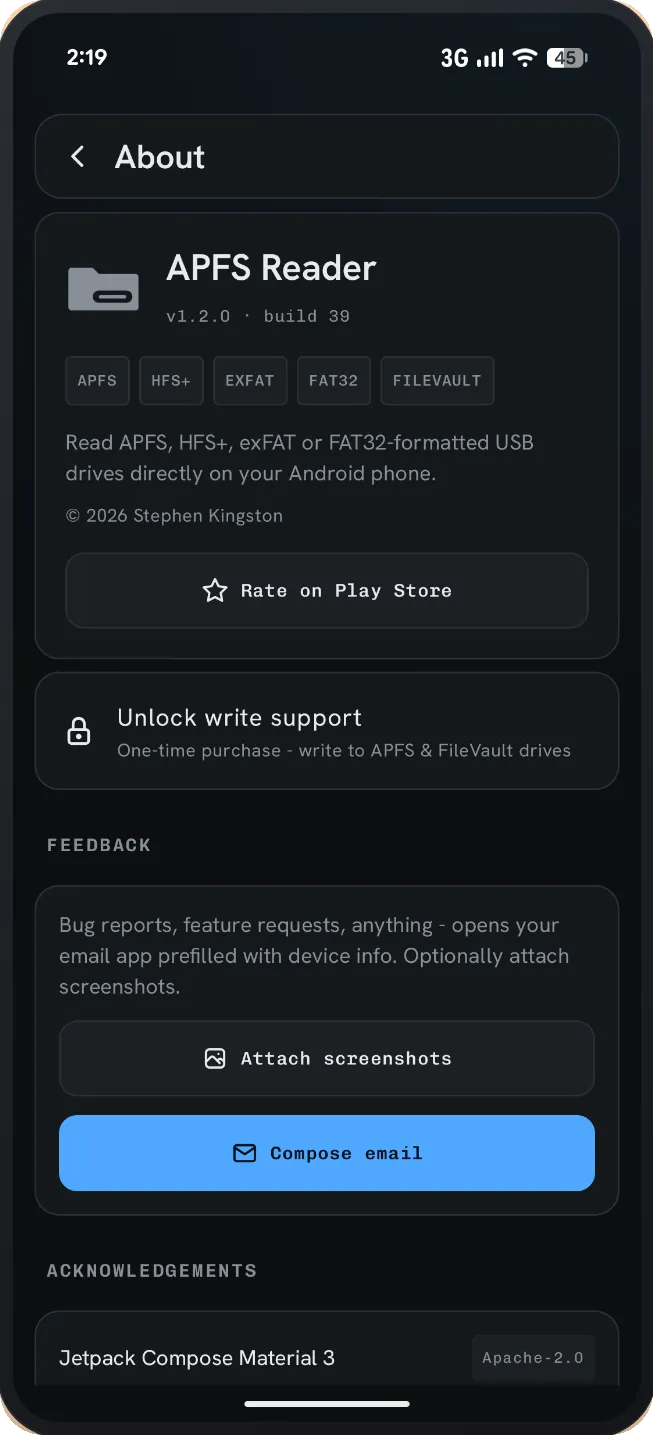
Reading is free on every format, including FileVault volumes, and exFAT and FAT32 are fully read-write for free. Writing to APFS, HFS+ and Linux (ext2/3/4) drives is the single paid capability - a one-time purchase inside the app, not a subscription. No ads at any tier.
Free
Free
Everything except writing to APFS, HFS+ and Linux drives.
- Read APFS and HFS+ (Mac OS Extended) drives
- Read Linux ext2/3/4 drives
- Full read + write on exFAT and FAT32
- Unlock and read FileVault and LUKS drives
- Copy, preview, share and file-pick
- Manage your phone’s own storage
- Multi-partition and over 2 TB drives
Mac + Linux write
One-time
Adds write access to APFS, HFS+ and Linux drives. Bought once, in the app.
- Everything in Free
- Create, rename, move and delete on APFS, HFS+ and ext2/3/4
- Copy and upload files onto Mac and Linux drives
- Write back inside unlocked FileVault volumes
- No subscription, no second app
- Restores free on your other devices
Install free - decide about Mac write later.
05 - Spec
The details, stated plainly.
- Filesystems
- APFS, HFS+, exFAT, FAT32, ext2, ext3, ext4
- Encryption
- FileVault (APFS inside), LUKS1, LUKS2
- Requires
- Android 8.0+ with USB OTG support
- Connection
- USB-C direct, or USB-OTG adapter
- Drive size
- Over 2 TB supported
- Partitions
- Multi-partition drives enumerated
- Linux volumes
- LVM (linear), LVM inside LUKS
- Phone storage
- Internal storage and built-in SD card (SD card on Android 11+)
- Root required
- No
- Network use
- Google Play Billing only
- Trackers
- None - no analytics, ads or accounts
- Package
- dev.stephenkingston.apfsreader
06 - Questions
Frequently asked
The answers are also the honest limits - if something does not work, it says so here.
Why can’t my Android phone read my Mac USB drive?
Android ships without an APFS or HFS+ driver. Those are the formats macOS uses for nearly every external drive it formats, and the operating system simply does not support them. Plugging one in usually produces a "corrupt or unsupported" notification, or the drive is ignored entirely. APFS Reader carries its own APFS and HFS+ engines and its own USB mass-storage stack, so it reads the drive itself rather than waiting for Android to do it.
What is the difference between APFS and HFS+?
APFS is the modern Apple filesystem, standard since macOS High Sierra in 2017. HFS+ (Mac OS Extended) is its predecessor and is still common on older external drives and Time Machine disks. APFS Reader reads both, including journaled HFS+ volumes.
Do I need to root my phone?
No. APFS Reader talks to the drive through Android’s standard USB host API, entirely in user space. Nothing is mounted at the system level, so there is no root, no custom kernel, no unlocked bootloader and no ADB setup involved.
Do I need a Mac?
No. Everything happens on the phone or tablet. You do not need a Mac to mount, unlock or read the drive - that is the whole point.
Is it free?
The app is free to install, and reading is free on every supported format - APFS, HFS+ and FileVault-encrypted volumes included. Full read and write on exFAT and FAT32 is also free. Writing to APFS, HFS+ and Linux (ext2/3/4) drives is the one paid capability: it unlocks with a single one-time in-app purchase, with no subscription and no second app to install. There are no ads at any tier.
Can I write to a Mac drive, or only read it?
Reading is free. Writing to APFS and HFS+ unlocks with the one-time in-app purchase, after which you can create folders, rename, move, delete, and copy or upload files onto Mac drives and SSDs in place. The same unlock covers writing back to an unlocked FileVault volume, and to Linux ext2, ext3 and ext4 drives, with no extra purchase.
Can it open FileVault-encrypted drives?
Yes. Unlock the volume with its password or personal recovery key and browse it like any other drive, with no Mac needed. The encrypted volume is APFS inside. Reading is free; write-back uses the same one-time unlock as any other APFS drive.
Can it open Linux drives (ext4) and LUKS encryption?
Yes. ext2, ext3 and ext4 drives open like any other - a Linux PC’s external drive, a Raspberry Pi card or a Steam Deck microSD card in a USB card reader - and reading them is free. Writing to them uses the same one-time unlock as APFS and HFS+, and follows Linux’s own rules, journal included, so a drive pulled out mid-copy comes back the way Linux would leave it. LUKS1 and LUKS2 drives, the kind an encrypted Ubuntu or Fedora install makes, unlock with their password or key file and open the ext2/3/4, exFAT or FAT32 volume inside. LVM volumes open too, LVM inside LUKS included. Unlocking a LUKS drive can take up to a minute on a slower phone, because Linux makes password checks slow on purpose. A drive Linux did not eject cleanly is shown the way Linux will show it after its own recovery, without the app writing to it.
What do I need to connect the drive?
A phone or tablet running Android 8.0 or newer that supports USB OTG (USB host mode), and a way to connect the drive: plug a USB-C drive in directly, or use a USB-OTG adapter for USB-A drives. Large bus-powered hard drives sometimes need a powered hub, since phones supply limited current.
Does it work with SD cards?
Through a USB card reader, yes - an SD or microSD card in a reader appears just like any other USB drive, with free read and write on exFAT and FAT32. It does not use your phone’s built-in SD card slot for this; that slot is handled by Android itself, and APFS Reader can browse it through its phone storage view.
What happens if I unplug the drive mid-copy?
Changes are committed atomically, so an interrupted write leaves the drive in a recoverable state rather than silently corrupted. The next Mac that sees it runs its normal repair pass - Disk Utility, or fsck_apfs and fsck_hfs from the command line. As with any write to any filesystem, keep a current backup of anything you cannot lose.
Does it support drives larger than 2 TB, or with several partitions?
Yes to both. Drives above 2 TB work, and multi-partition drives are enumerated so you can pick the volume you want.
Does the app collect any of my data?
No. There are no ads, no analytics, no crash reporting SDKs and no account system, and nothing about your files, file names, folders or drives is ever transmitted. The app’s only network use is Google Play Billing, for the optional one-time purchase, plus Google’s optional "rate this app" prompt - both handled by the Play Store app on your device.
Where does my FileVault or LUKS password go?
Nowhere. The password, personal recovery key or key file you use is held in memory only, on your device, and used to decrypt the drive for that session. It is never transmitted, and never written to disk unless you choose to have the app remember it (Settings > Encrypted drives > Remember drive passwords, off by default). A remembered password stays on your device, encrypted with a key held in Android’s Keystore, so the drive unlocks without retyping next time; you can require your fingerprint or face before it is used, and turning the setting off deletes it.
I have a Windows NTFS drive. Will this open it?
No - that is NTFS Reader, a separate app for Windows-formatted drives, covering NTFS and BitLocker To Go. Between them the two apps handle the full Windows, Mac and exFAT/FAT32 matrix, and both open Linux drives.
Which Android versions are supported?
Android 8.0 (API 26) and newer, on phones and tablets. The app targets Android 16 (API 36).
07 - Guides
How to actually do it
What is recoverable, what is not, and what to stop doing right now - written for the situation rather than for the app.
- How to open a Mac-formatted drive on Android, and recover files from oneA Mac drive is not broken when Android calls it corrupt. Android simply has no driver for the format.
08 - The other apps
Not the drive you have?
Three apps, one job each. This one is only for drives that still work.

Plug the drive in and see.
Free to install. APFS, HFS+ and Linux (ext2/3/4) write unlocks with a one-time in-app purchase; everything else, including all reading and exFAT and FAT32 write, is free.